
Say itOr type it
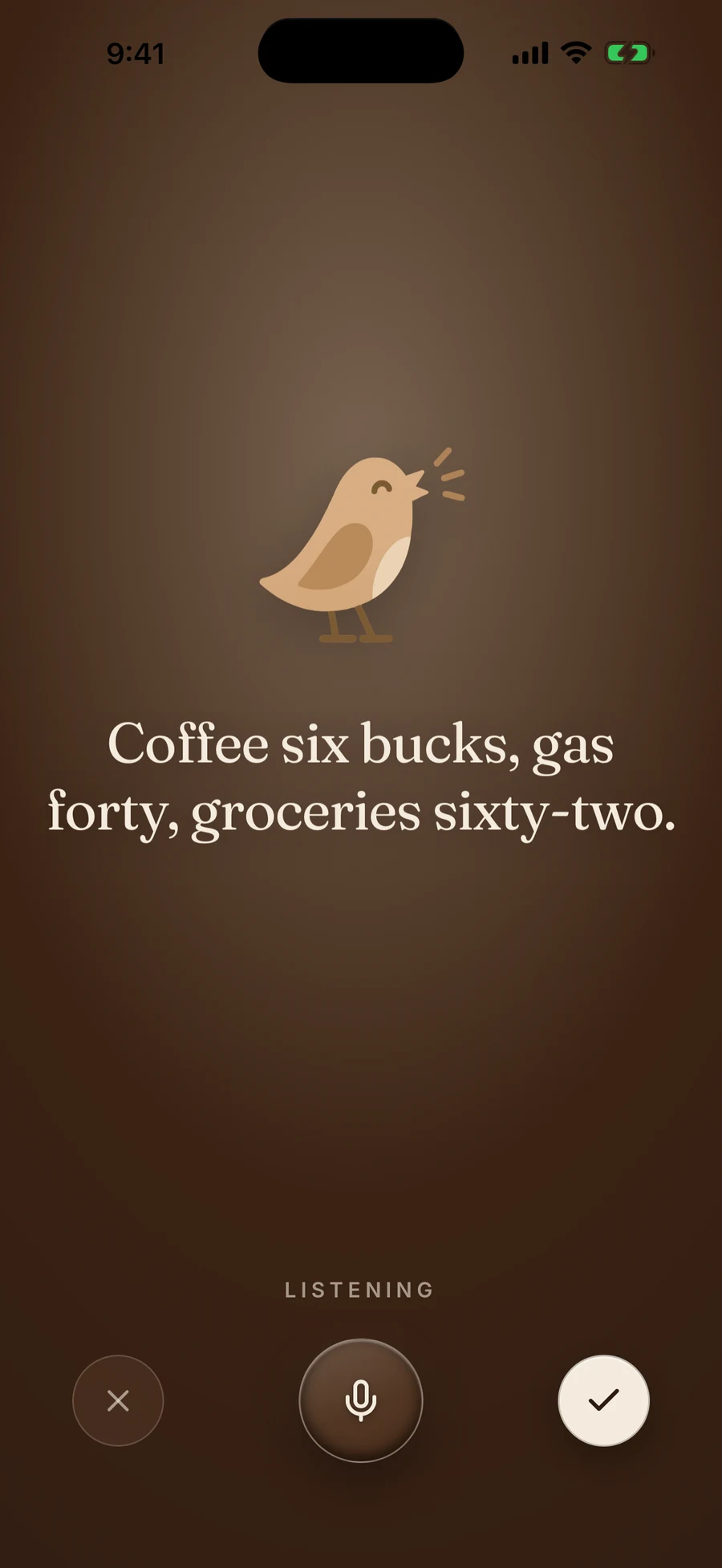
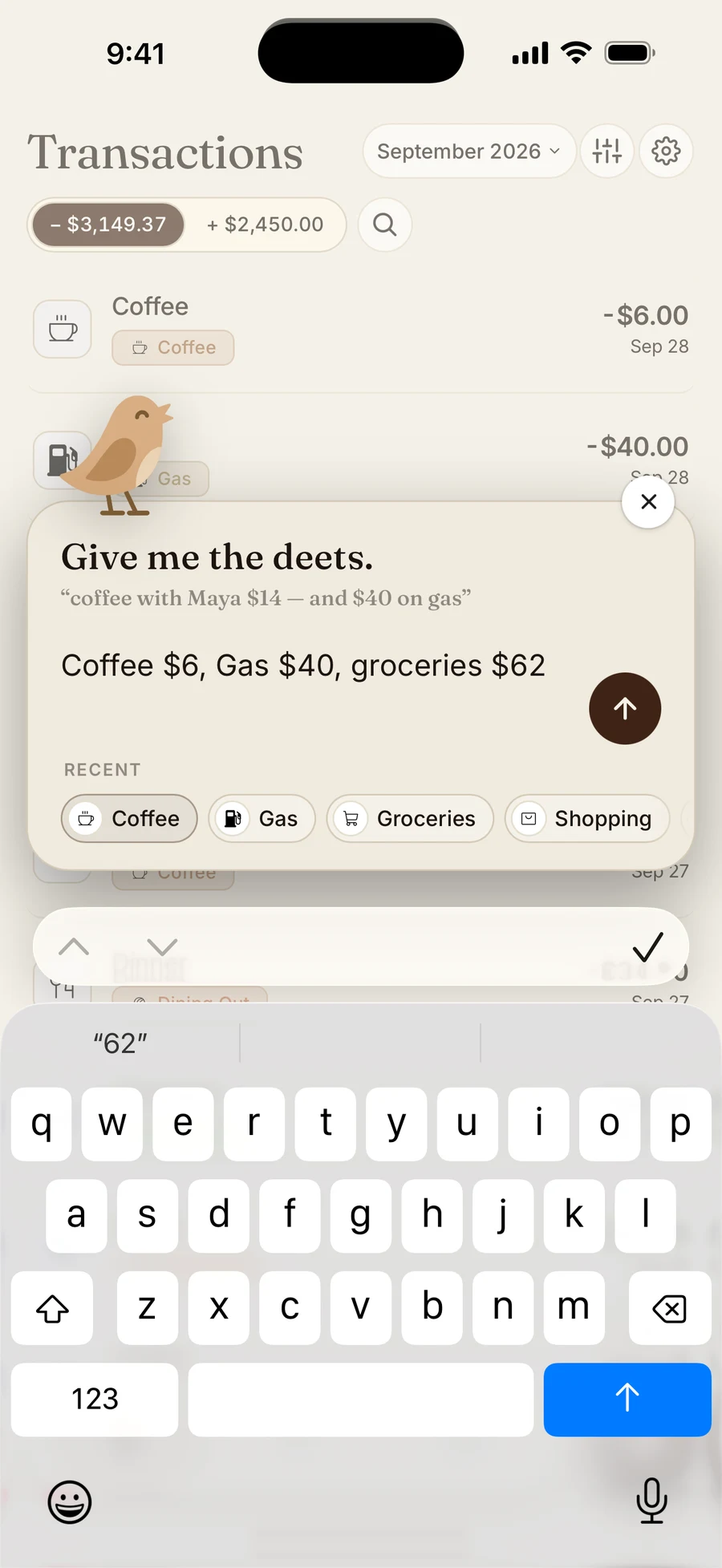
“Coffee $6, Gas $40, groceries $62.”
Ready to review3 entries
CoffeeCoffee$6.00

GasGas$40.00

GroceriesGroceries$62.00
Try reviewing these entries
“Coffee $6, Gas $40, groceries $62.”
$1,217.00
Budget in seconds, your way. Say it or type it, then see where your money stands. No bank linking.
7 days free. Then $9.99/month or $89.99/year.
Chirp turns a sentence into separate expenses, each with a merchant, amount, and category. Try the cards below: swipe right to approve an entry or left to discard it.
“Coffee $6, Gas $40, groceries $62.”
Swipe right to approve, left to discard.
Tap the mic and say “lunch at Chipotle $12.” Chirp picks out the merchant and amount, then assigns a category and date. On a quiet train or in a meeting, type the same sentence instead. You can include several purchases in one entry and review each expense before saving it.
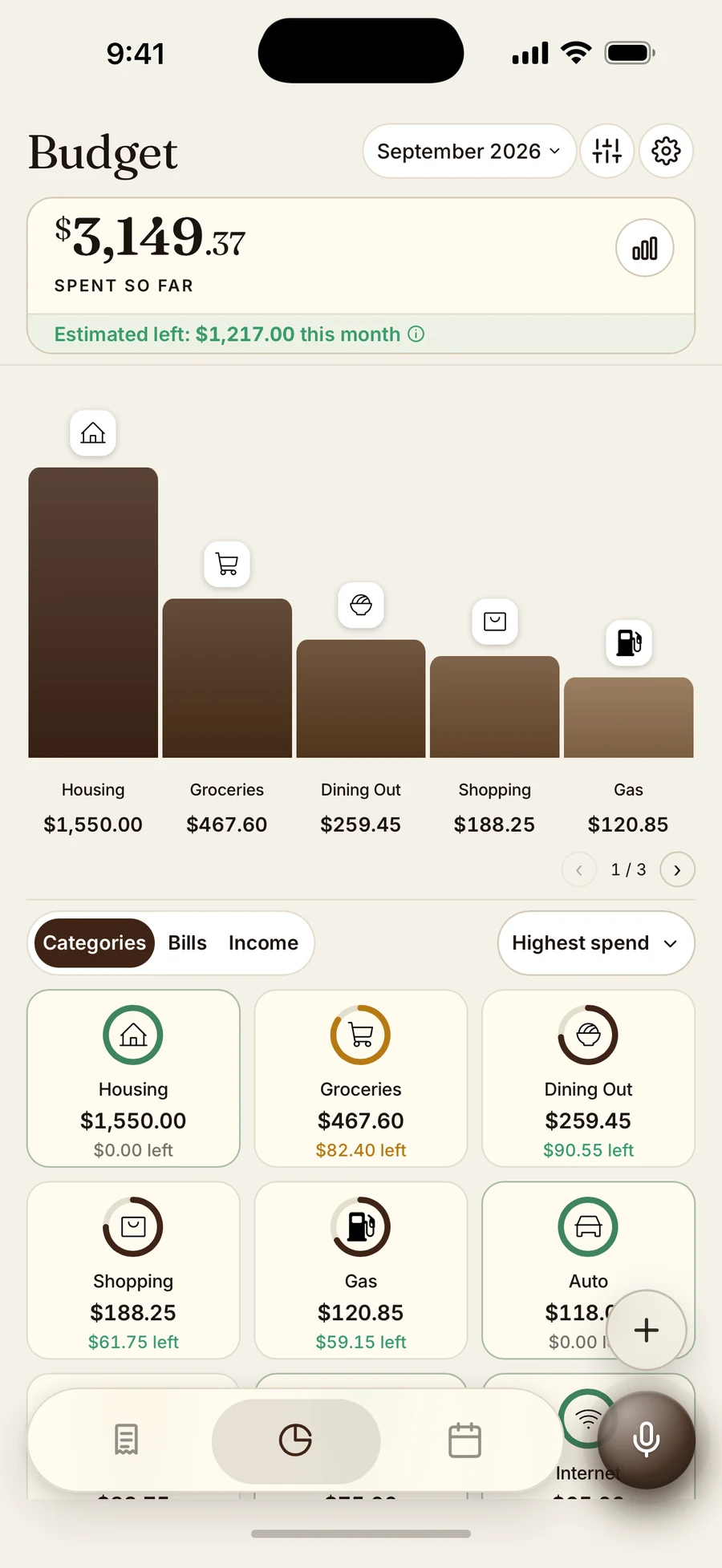
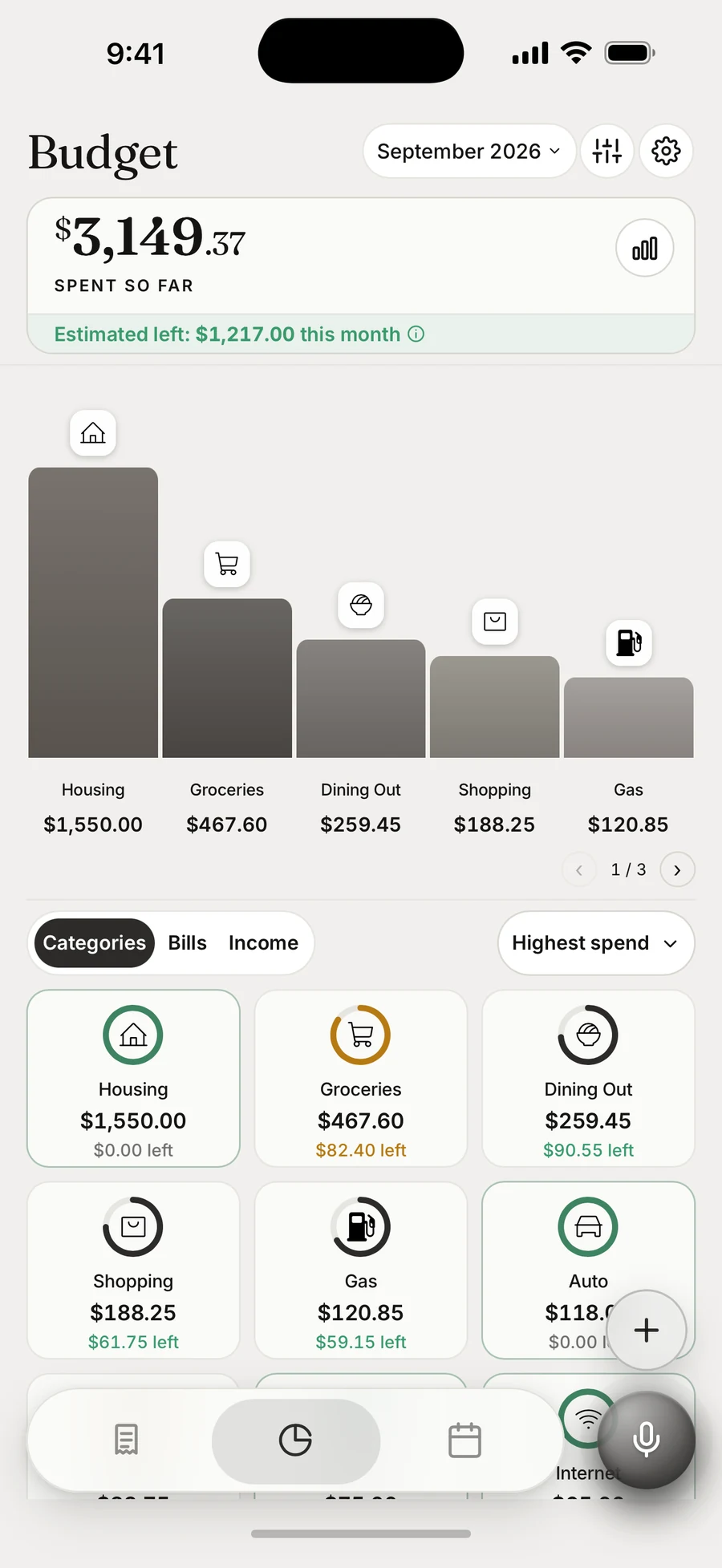
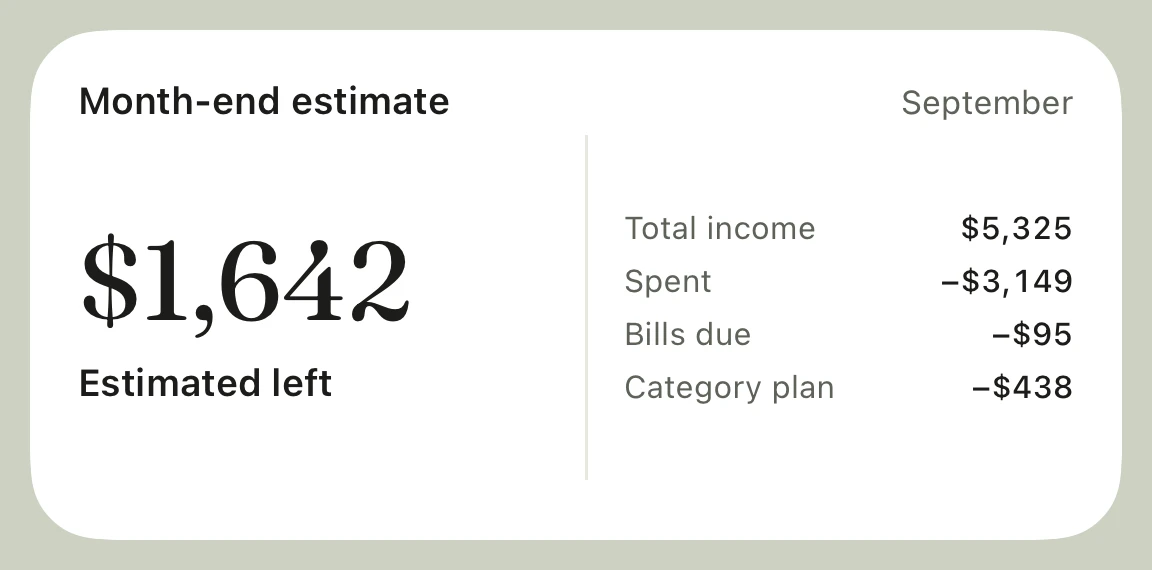
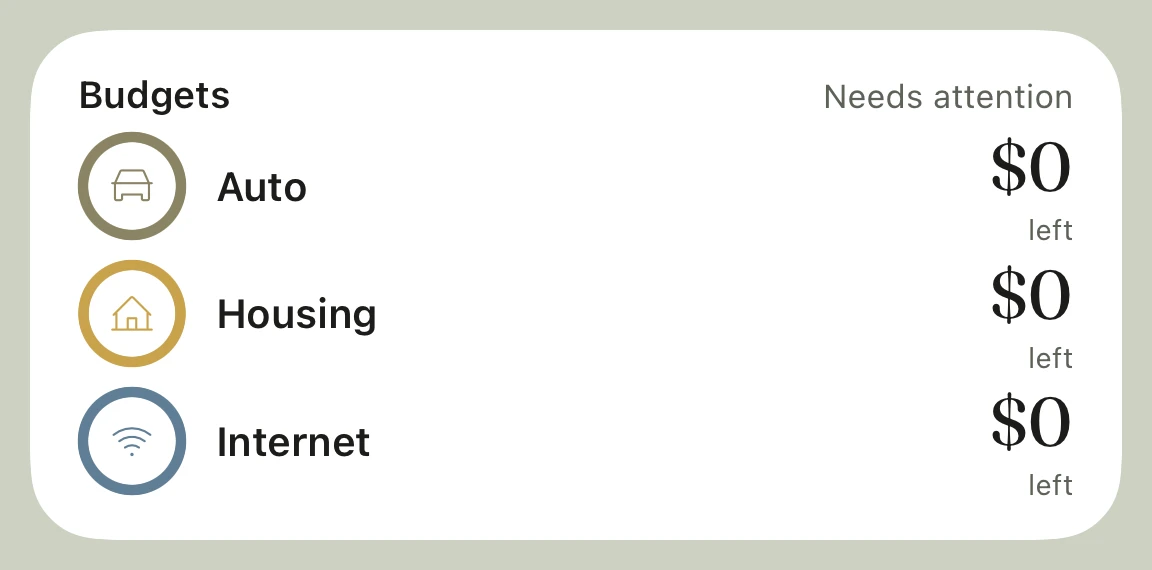
Set category budgets and see what you have spent. Your month-end estimate brings together income, spending, bills still due, and your remaining category plan. It is an estimate based on what you track, not a connected bank balance.
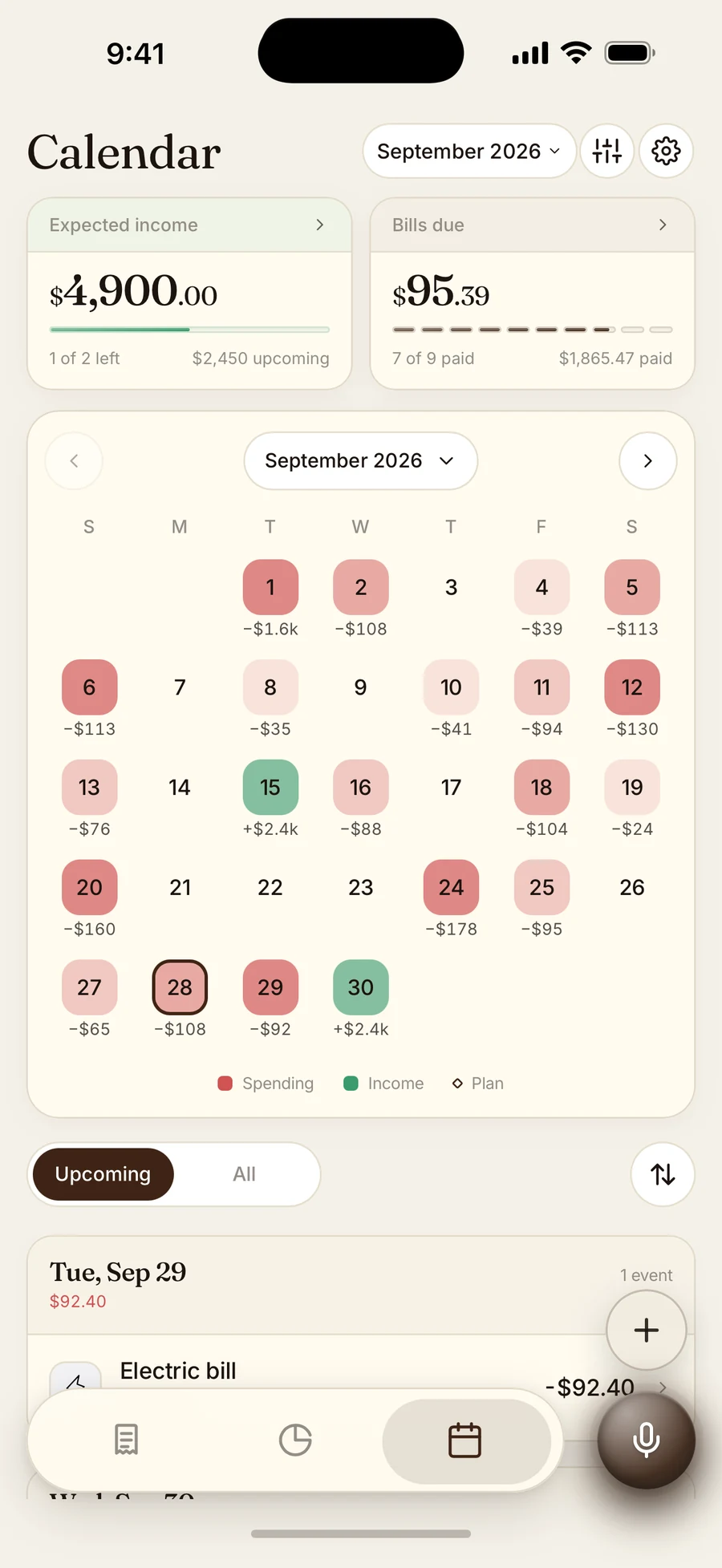
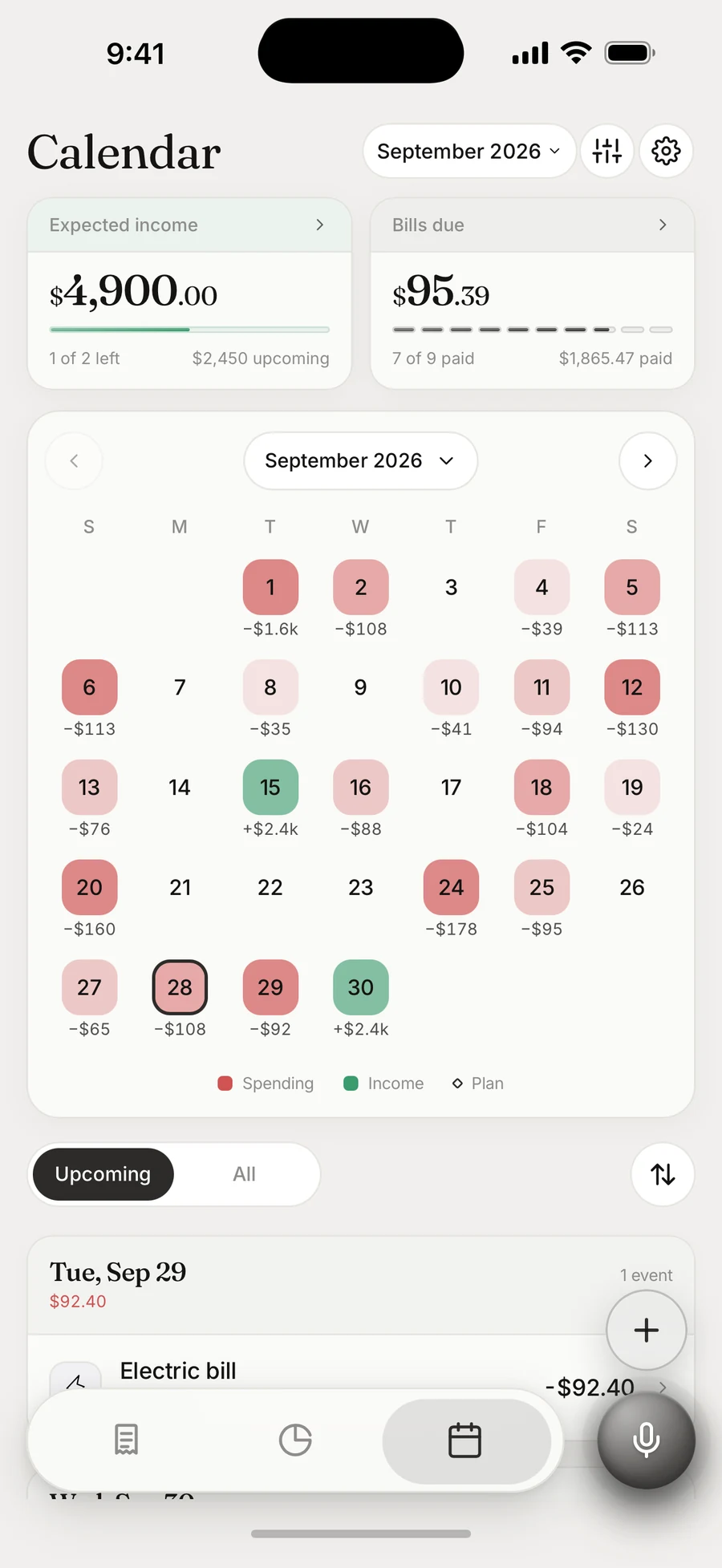
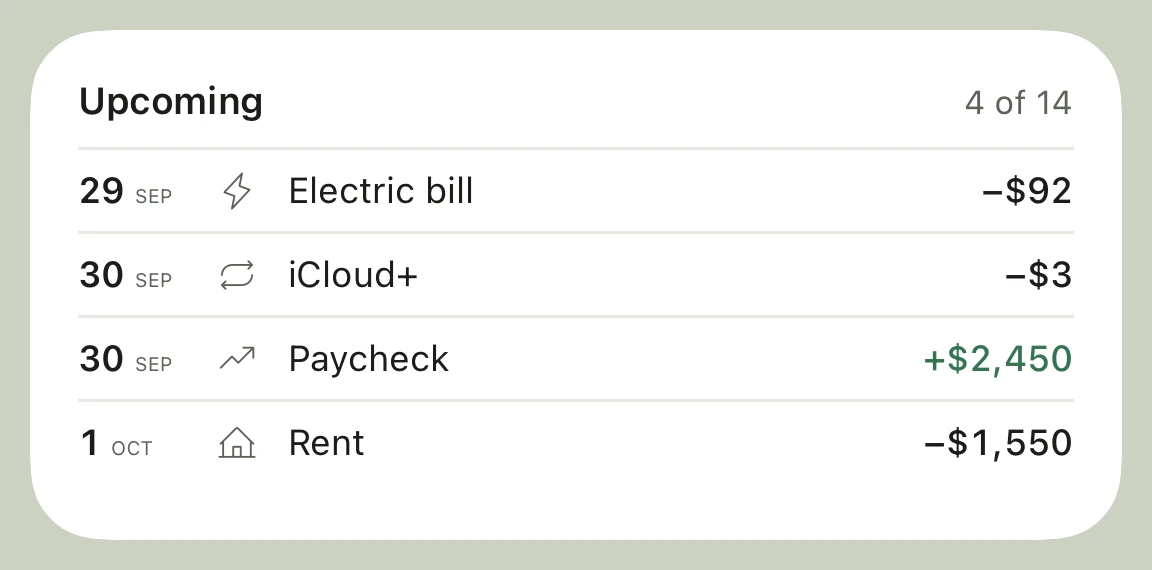
See your spending by day and check what is coming next. The dedicated Calendar brings expected income, bills still due, and an upcoming agenda into one view. Tap a day for the details.
Choose a look you want to come back to. Explore Budget and Calendar in Ink, Rose, Mocha, and Slate.
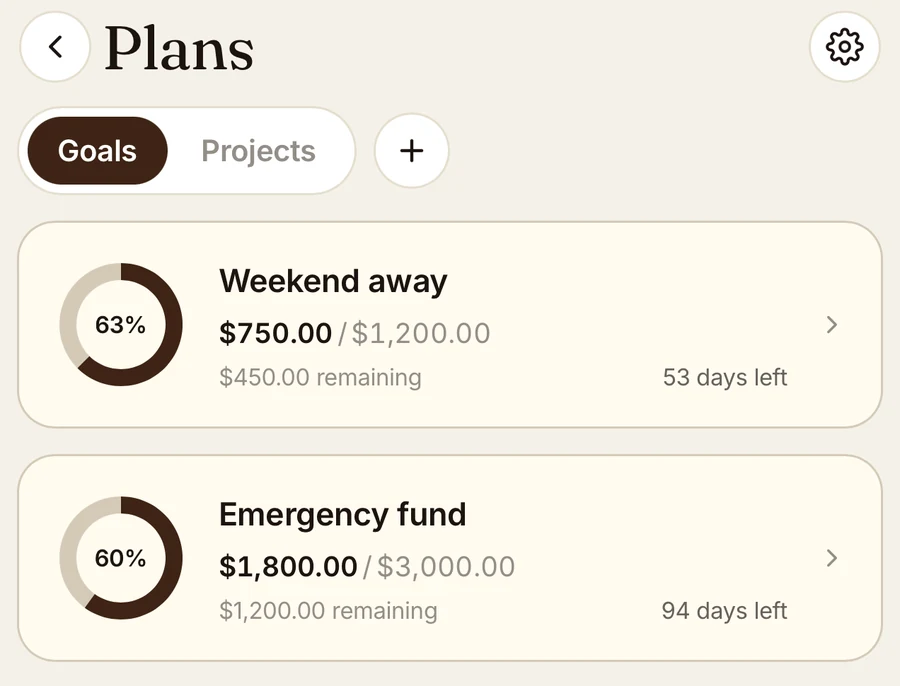
Set a savings target for a vacation, house move, or emergency fund. Log contributions to track your progress, and link related purchases to a plan. Say “put $400 toward the trip” to record a contribution.
If filling out an expense form puts you off, start with a sentence. Say or type several purchases at once, then check the entries.
For people who prefer to enter their own spending: Chirp never connects to a bank or imports bank transactions. You choose what goes into your record. How your data is handled →
Missed a few days? Include the date when you say or type a purchase. Add what you remember and pick up from there.
Chirp is a budgeting and expense-tracking app for iPhone, available at chirpbudget.com. Say or type purchases in everyday language, review the categorized entries, and track category budgets and savings goals.
No. Chirp does not connect to banks or automatically import bank transactions. You enter purchases by voice or text, whether you paid with cash or a card.
Chirp offers a 7-day free trial, then costs $9.99/month or $89.99/year. There is no free plan and no advertising. Subscriptions renew through Apple unless canceled. See pricing and cancellation details.
Chirp supports category budgets: set monthly spending limits and track expenses against them. You can also track savings goals and organize purchases into plans. Explore the features.
No. Type what you spent in everyday language, just as you would say it. Voice and text both turn your sentence into categorized expenses.
Yes. Review the entries and swipe to approve or discard each one. You can also open a saved entry to change its merchant, amount, or category.
Include when a purchase happened, such as “coffee four fifty yesterday” or “gas forty on Tuesday.” Chirp dates each entry so you can catch up on the spending you remember.
Yes. Choose a date range and export your entries as a CSV file to open in a spreadsheet. Find export instructions.
No. Chirp is built for iPhone only.
Say what you spent today in one sentence and see it filed.
7 days free. Then $9.99/month or $89.99/year. iPhone only.