








Say it out loud.
Tap the mic and talk the way you would tell a friend. Chirp waits through pauses and stops when you say you are done.
Chirp brings voice and text expense entry, category budgets, and savings goals together on your iPhone. Log what you spent, check the details, and see where you stand.
Say or type “coffee six, gas forty” and Chirp creates separate expenses with amounts, merchants, and categories. Review the entries, track spending against monthly category limits, and export a date range to CSV whenever you need it. Chirp does not connect to your bank or import bank transactions.
Enter several purchases in one sentence. The example below shows how Chirp turns everyday language into individual expenses.
You type“coffee six, gas forty, Target sixty-two”
Tap the mic and talk the way you would tell a friend. Chirp waits through pauses and stops when you say you are done.
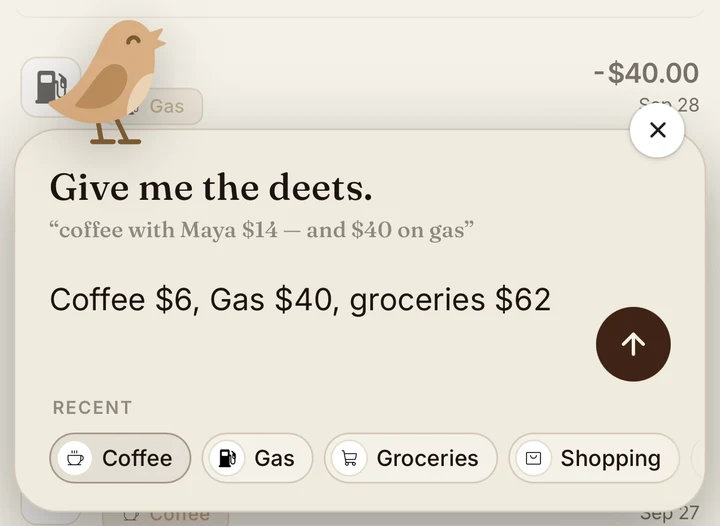
Type the same words you would say out loud. Chirp identifies the amounts, merchants, and categories, so you can log expenses quietly too.
Turn location on and Chirp can put the right venue name on an entry. Your location stays on this iPhone. Only nearby place names go with an entry.
Turn auto-approve off to check each entry before it saves. Try the review deck: swipe right to approve, left to discard.
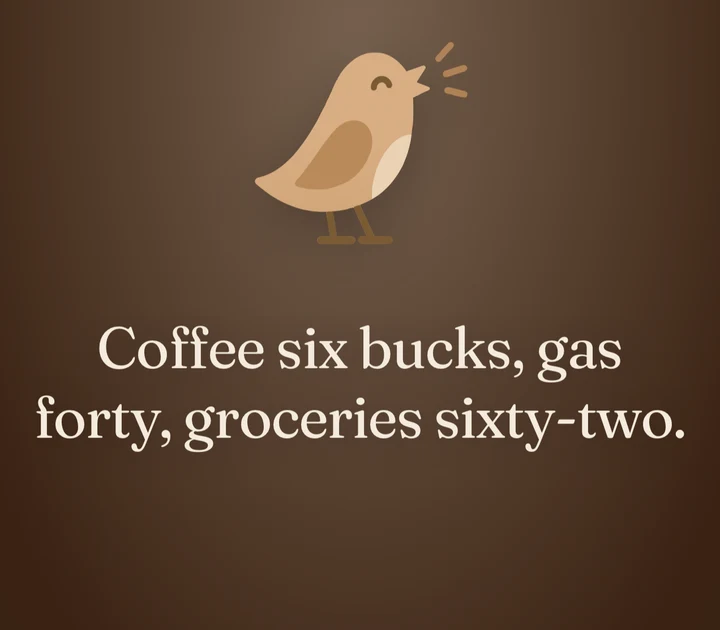
“Coffee $6, Gas $40, groceries $62.”
Swipe right to approve, left to discard.
Change the amount, the date or the category right on the card. Tell Chirp to always file that merchant the same way and it will remember.
Customization
The switch as it appears in Settings. Tap it.
Auto-approve is on by default. Turn it off to check each entry on a review card, or leave it on to save typed and spoken entries without a swipe. How auto-approve works.
What the record is for: one honest number, and the ability to find anything in it.
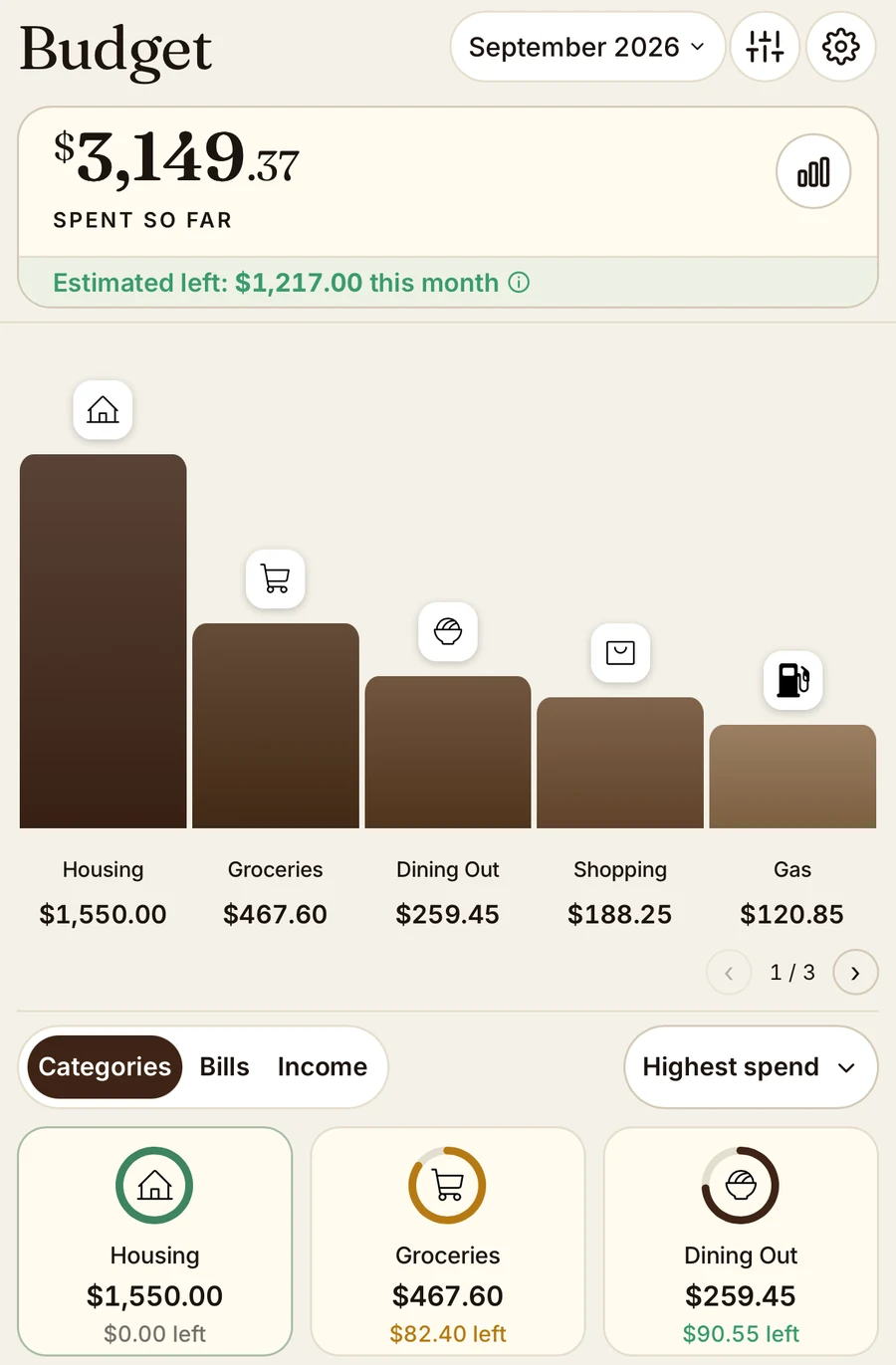
Set category limits, then check your month-end estimate. It accounts for income, spending, upcoming bills, and the category spending you still have planned.
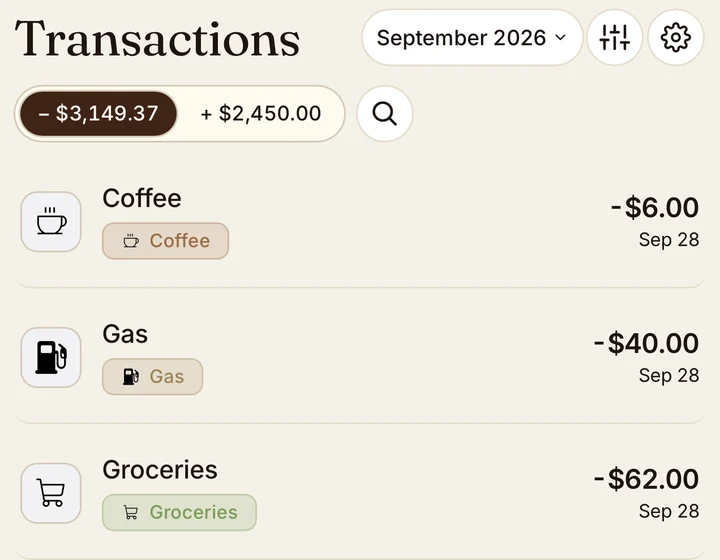
Find transactions by month or across your full record. The dedicated Calendar shows daily spending, upcoming bills, expected income, and an agenda. See the Calendar.
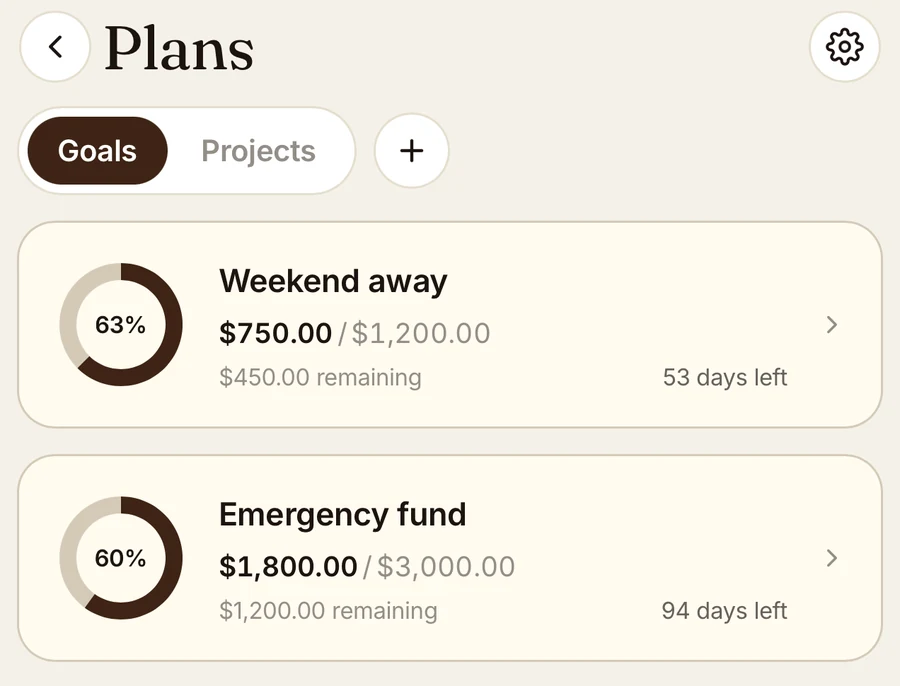
Track savings goals and planned spending in Plans. See your progress, what is left to save, and the time until your target date. Keep related purchases together in Projects. Savings contributions stay separate from your spending total.
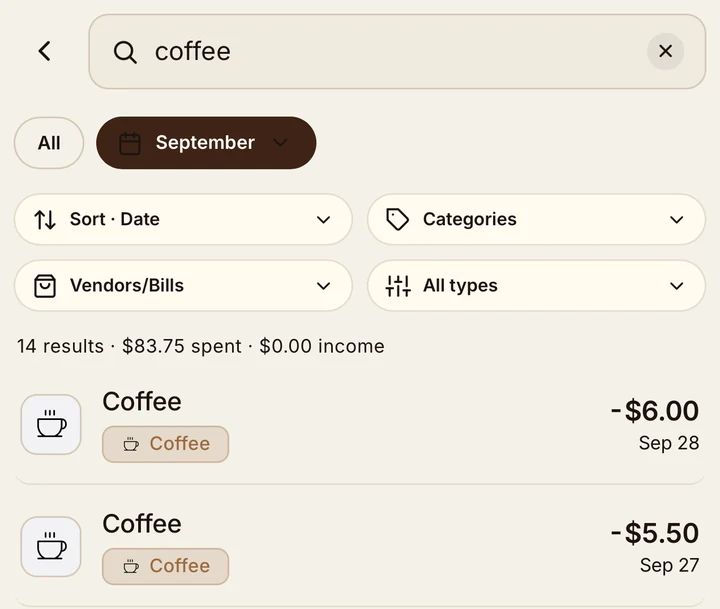
Search by merchant, narrow by category, vendor or date range, and see what the results add up to.
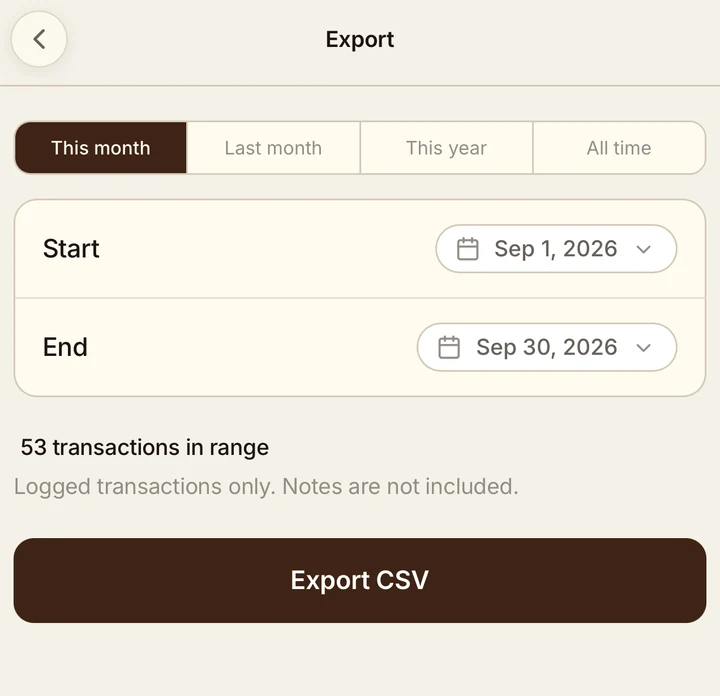
Export any date range to CSV and open it in a spreadsheet. It is your record, so it leaves when you want it to.
Already have an account? Sign in
Sign in with Apple or an email address. Your record is backed up to your account and comes back on a new phone.
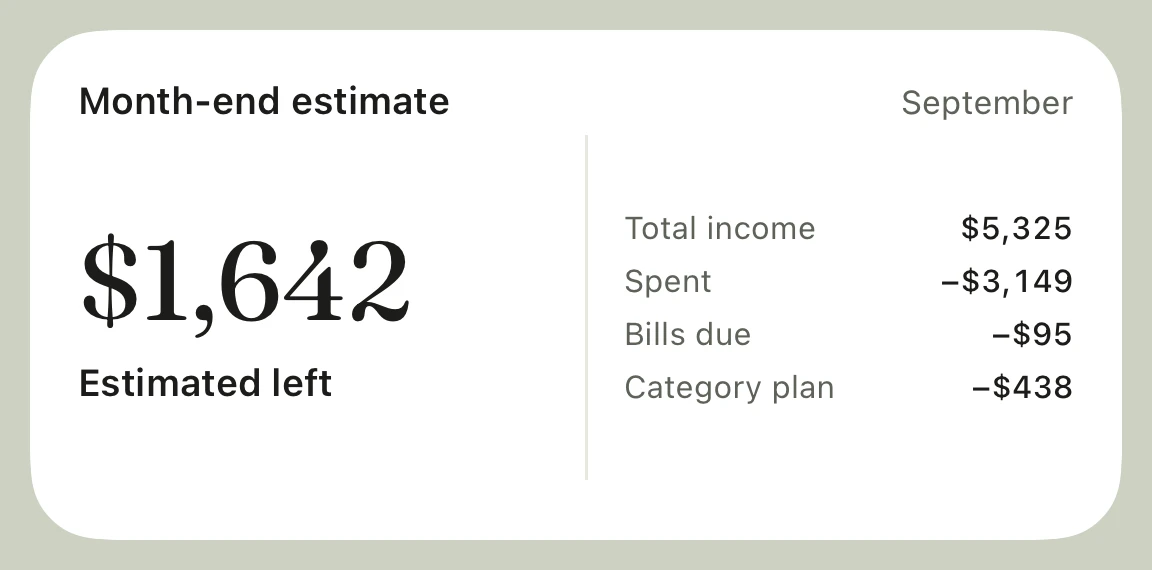
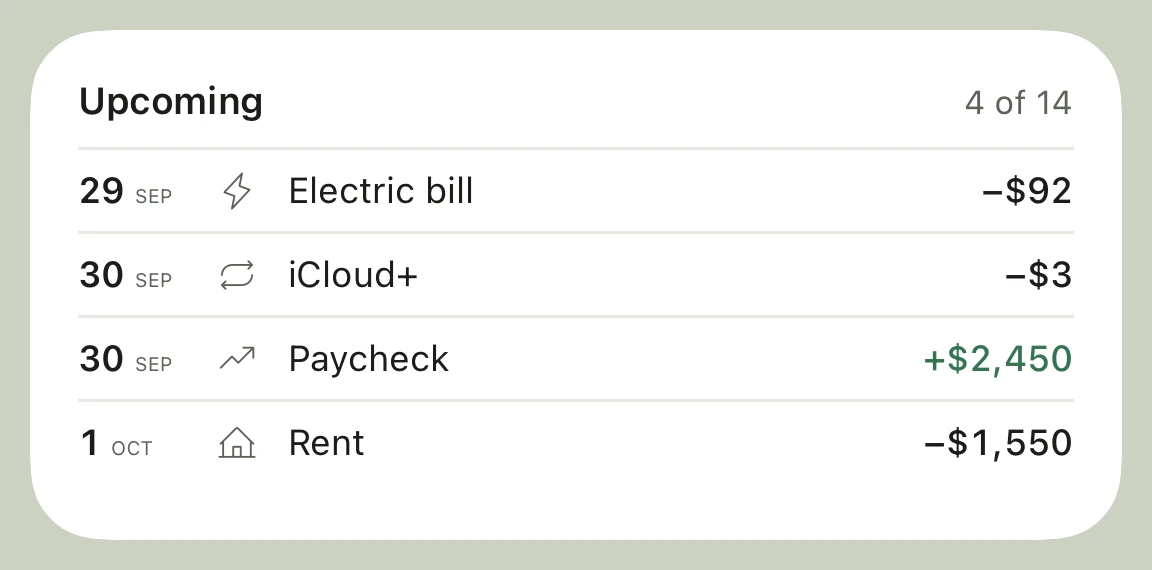
Home Screen widgets show your month-end estimate, category budgets, upcoming bills, and more. Lock Screen widgets put a category or next bill at a glance. The Log it widget opens voice or text entry. Controls in Control Center, Lock Screen buttons, and the Action Button on supported iPhones open Chirp straight into entry.
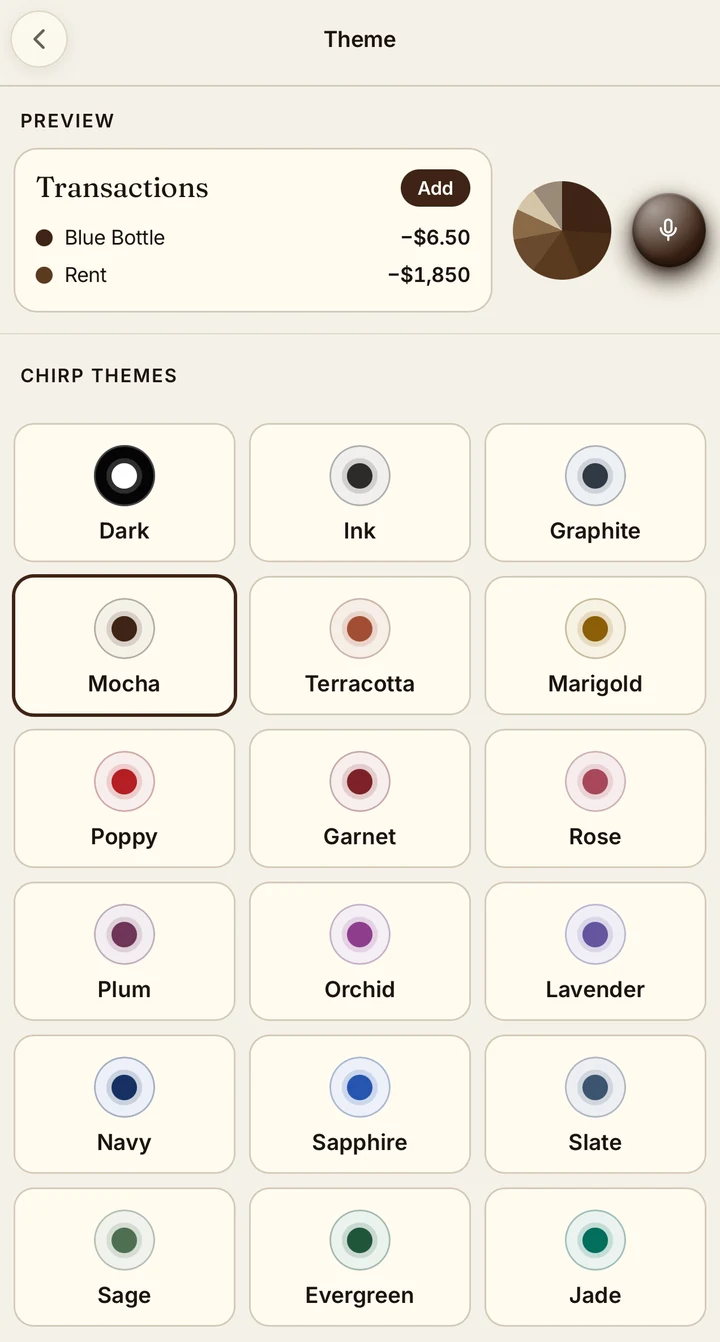
Choose a palette, including Rose, Mocha, Ink, and Slate, or make your own. Dark mode is included. Try the theme preview.
Start with a purchase you remember. Say or type it, review the entry, and see it in your spending record.
7 days free. Then $9.99/month or $89.99/year.